> For the complete documentation index, see [llms.txt](https://docs.goodgamesguild.com/llms.txt). Markdown versions of documentation pages are available by appending `.md` to page URLs; this page is available as [Markdown](https://docs.goodgamesguild.com/ecosystem/hightable/hightable-secret-deal-program.md).
# HighTable Secret Deal Program
Exclusive Secret Deal Program Launch for Good Games Guild Community! 🎉
We are thrilled to announce the launch of our Exclusive Secret Deal Program tailored specifically for Good Games Guild community! 🚀
In this exciting program, a dedicated group will be created for every $GGG holder (with a minimum of 1,000 $GGG to be staked on HighTable) who wishes to participate in our exclusive secret deals. Our team is committed to bringing you more exclusive projects through this program, including opportunities in various rounds, such as Seed or Private Rounds.
Details about each project will be shared in the private group, which is accessible only through the Secret Deals menu on the HighTable website.
\
**How to Join Secret Deal in HighTable**
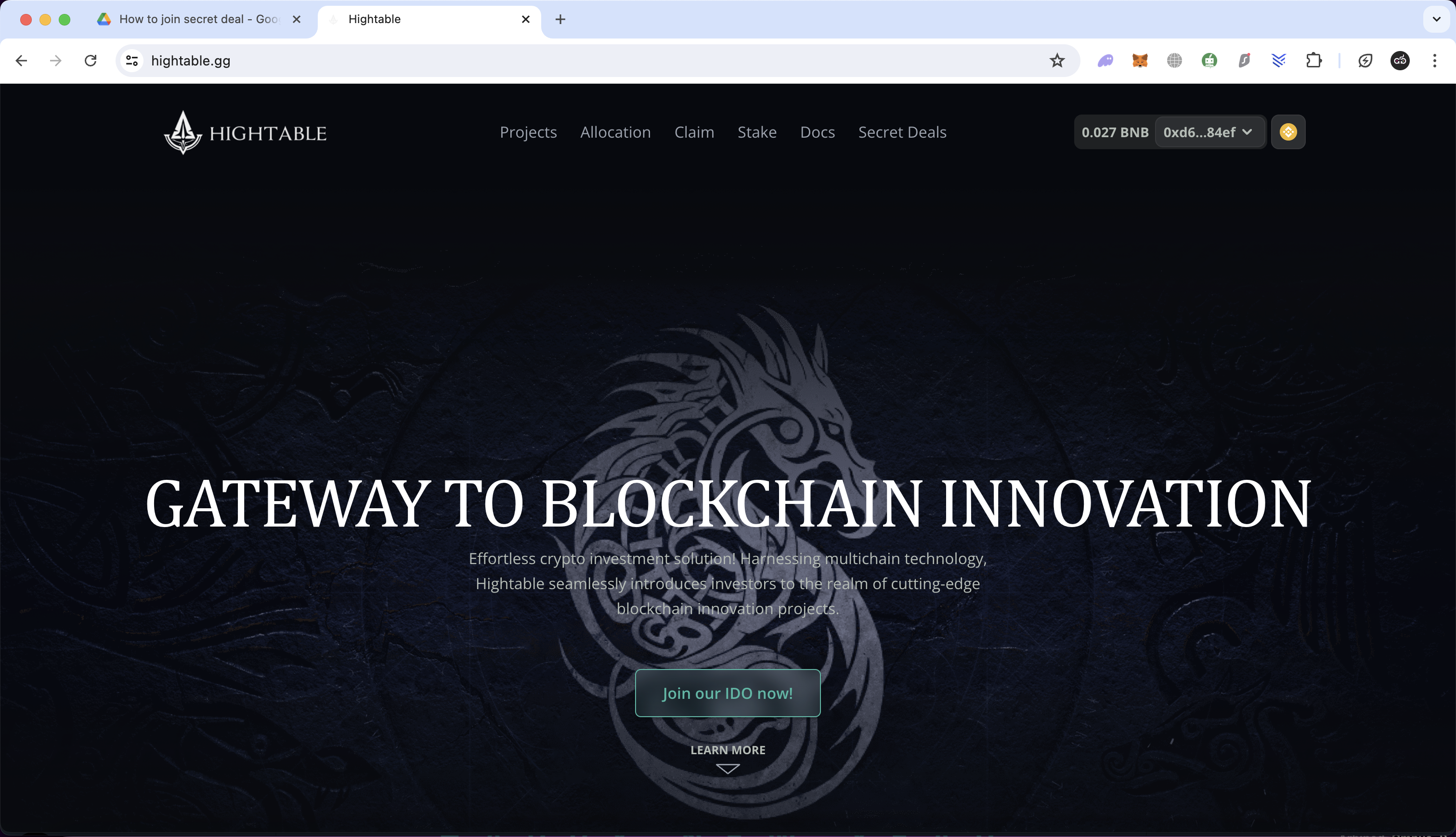
1. **Visit the HighTable website** [here](https://www.hightable.gg/).
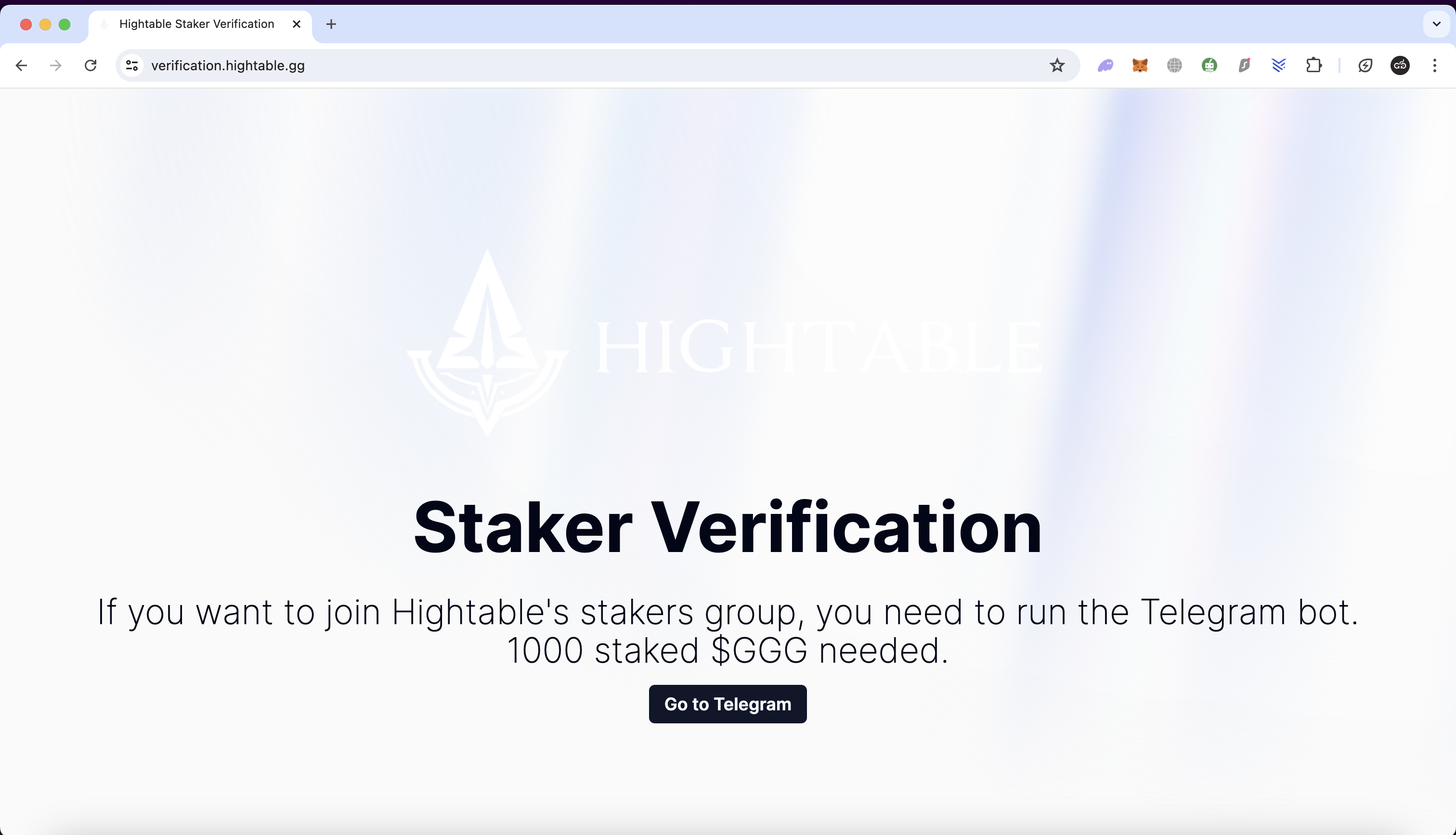
2. **Click the "Secret Deal" button on the HighTable menu. You will be redirected to the verification page. And then, Click the "Go to Telegram" button.**
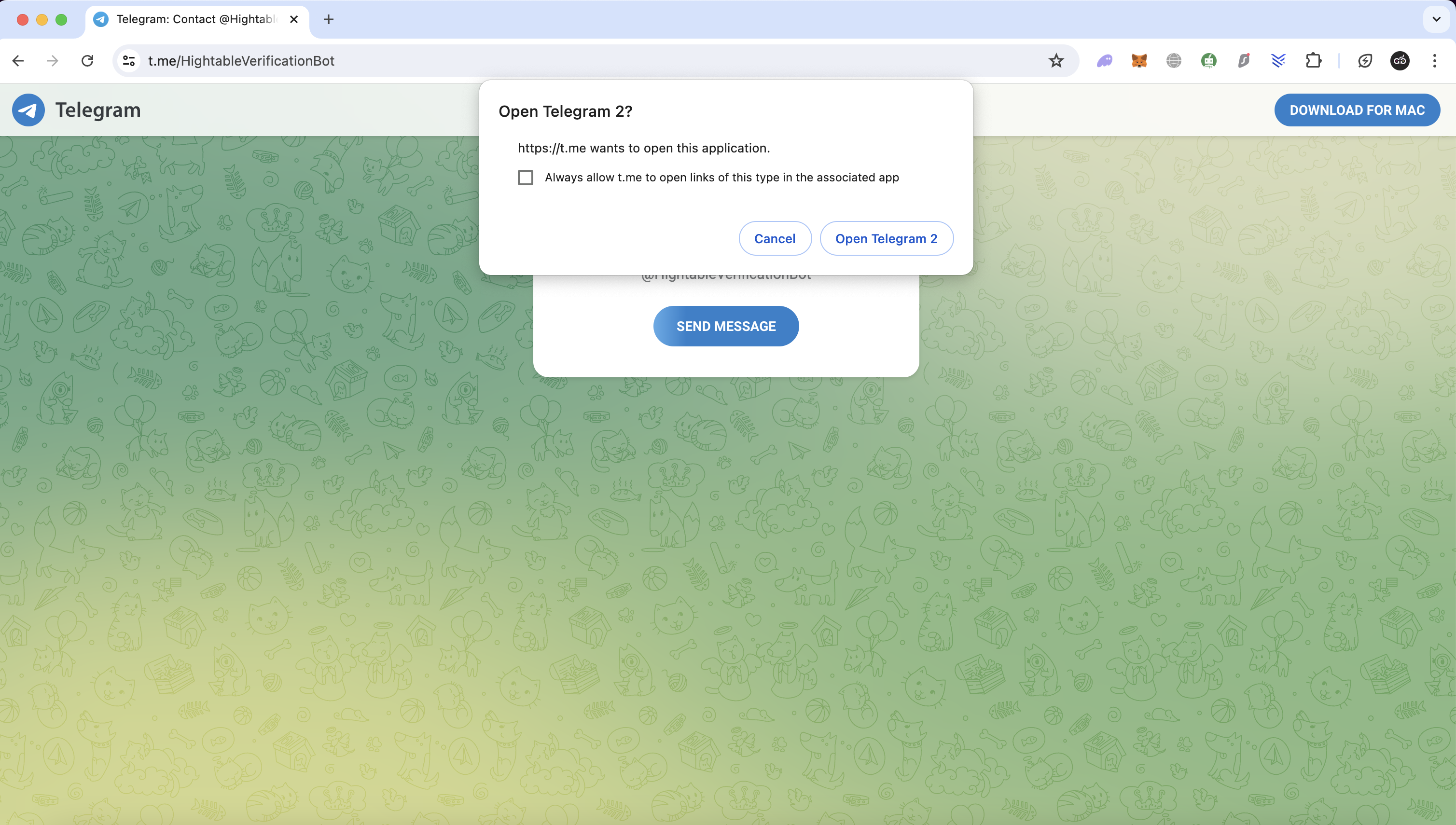
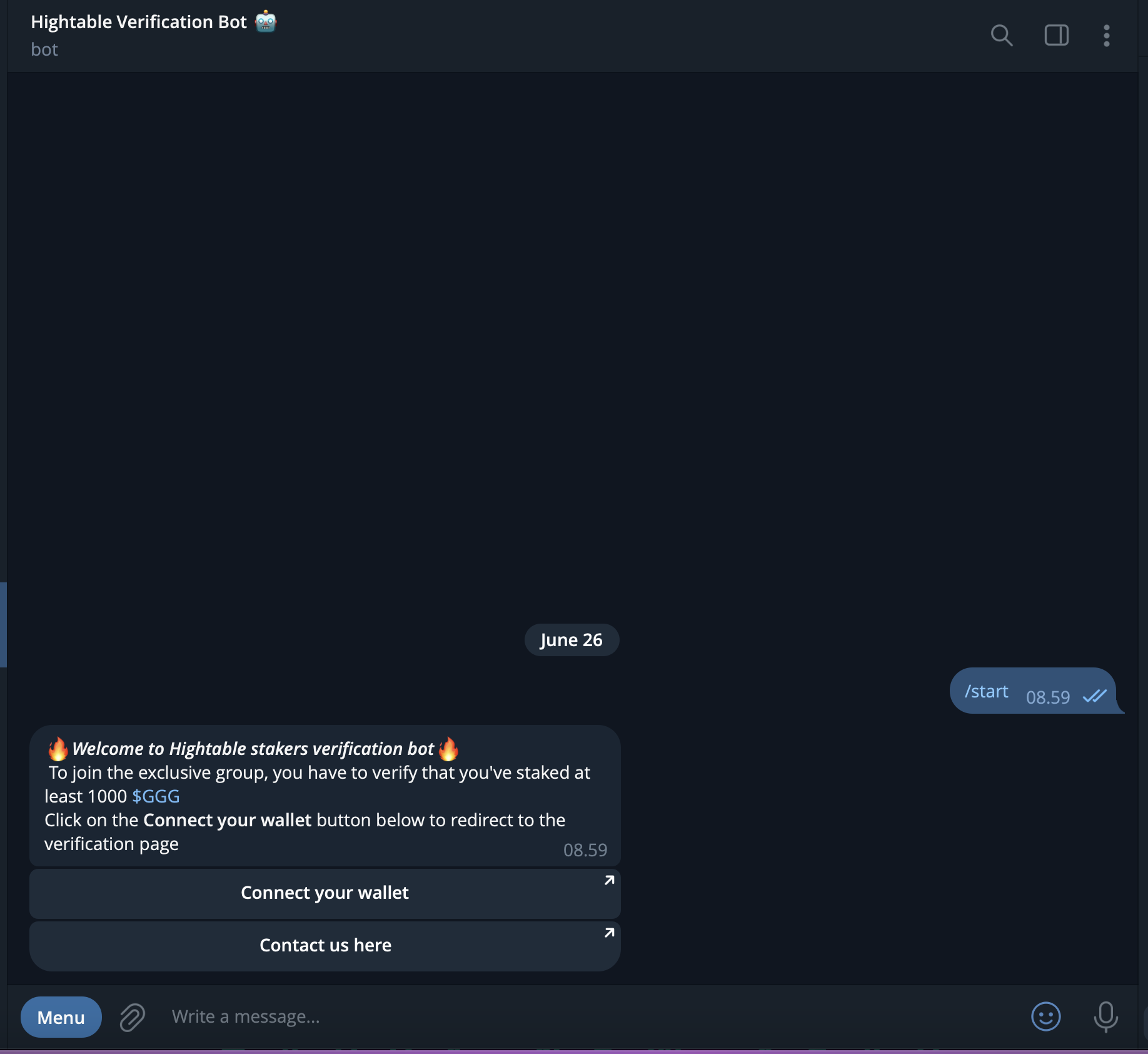
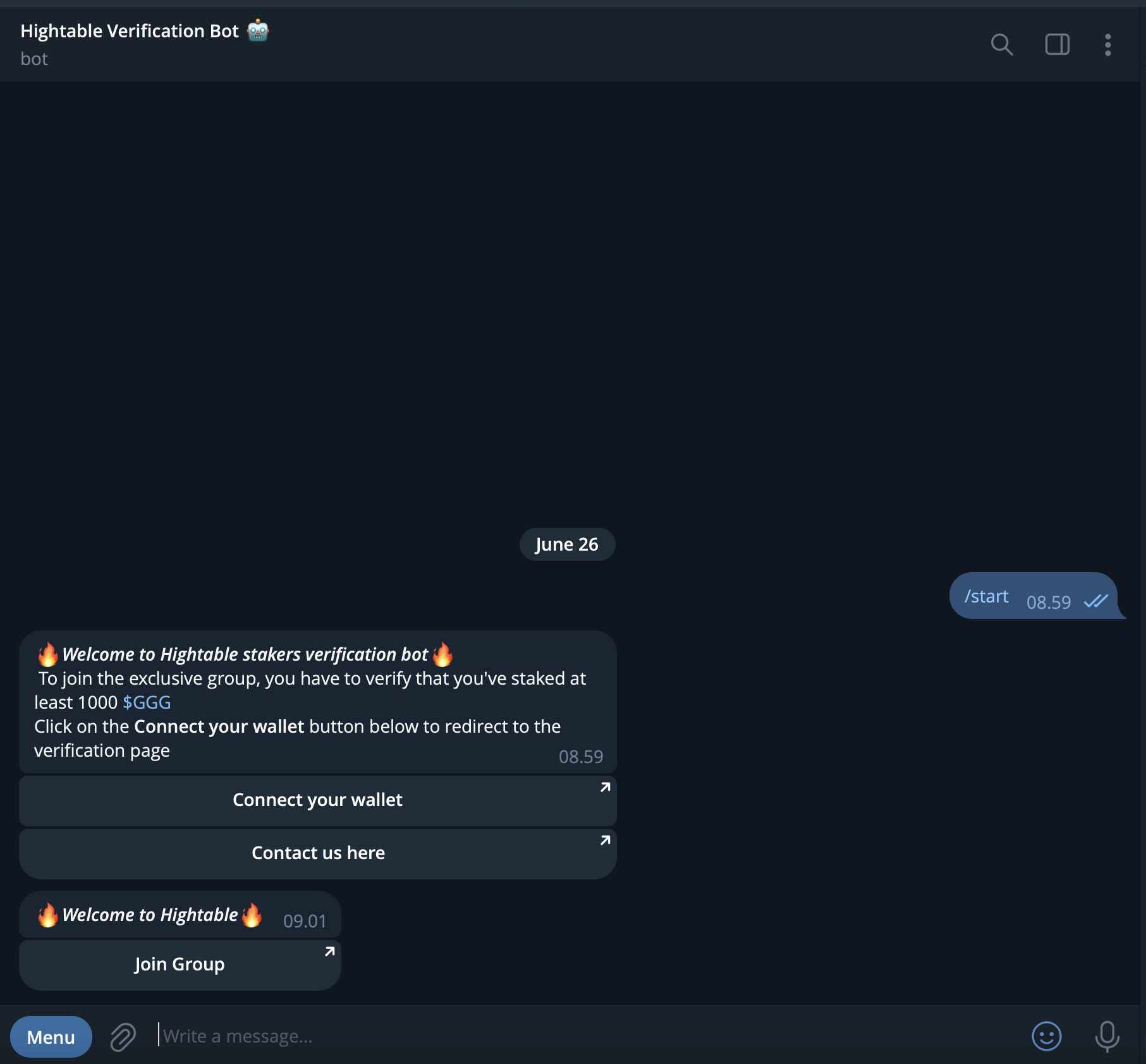
3. **Open your Telegram app. You will be redirected to the HighTable Verification BOT on Telegram.**
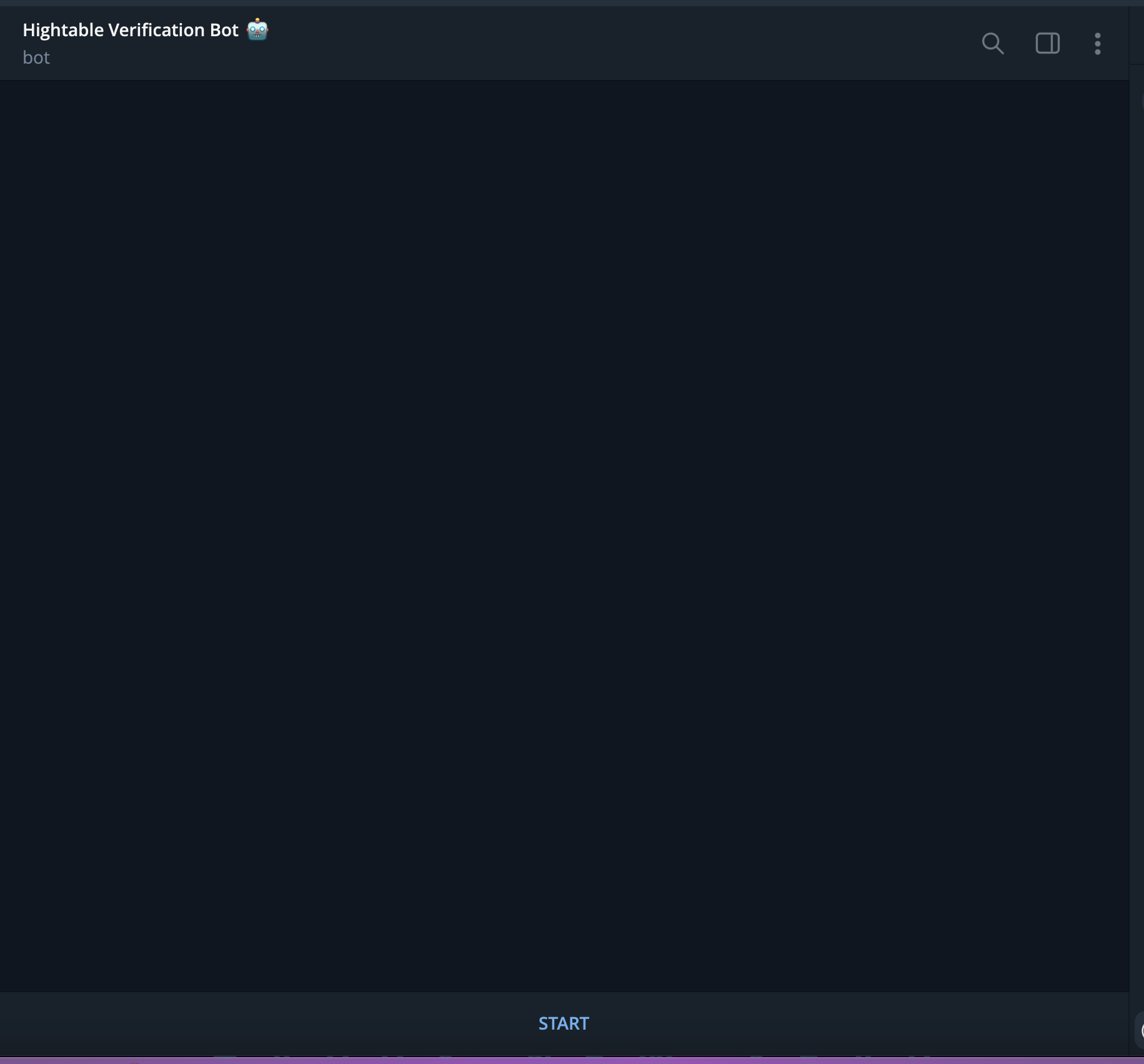
4. **Click the "Start" button on the BOT.**
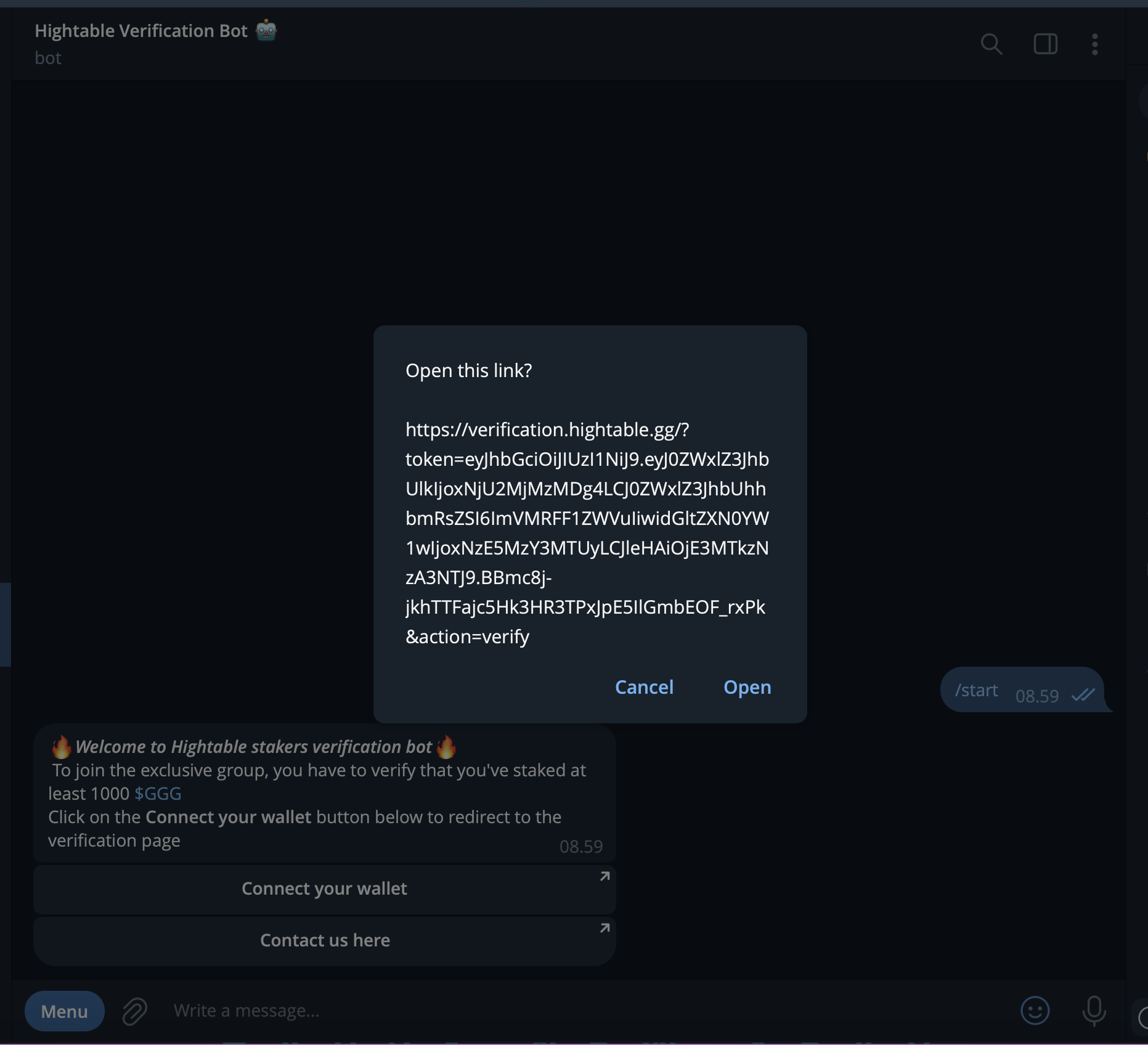
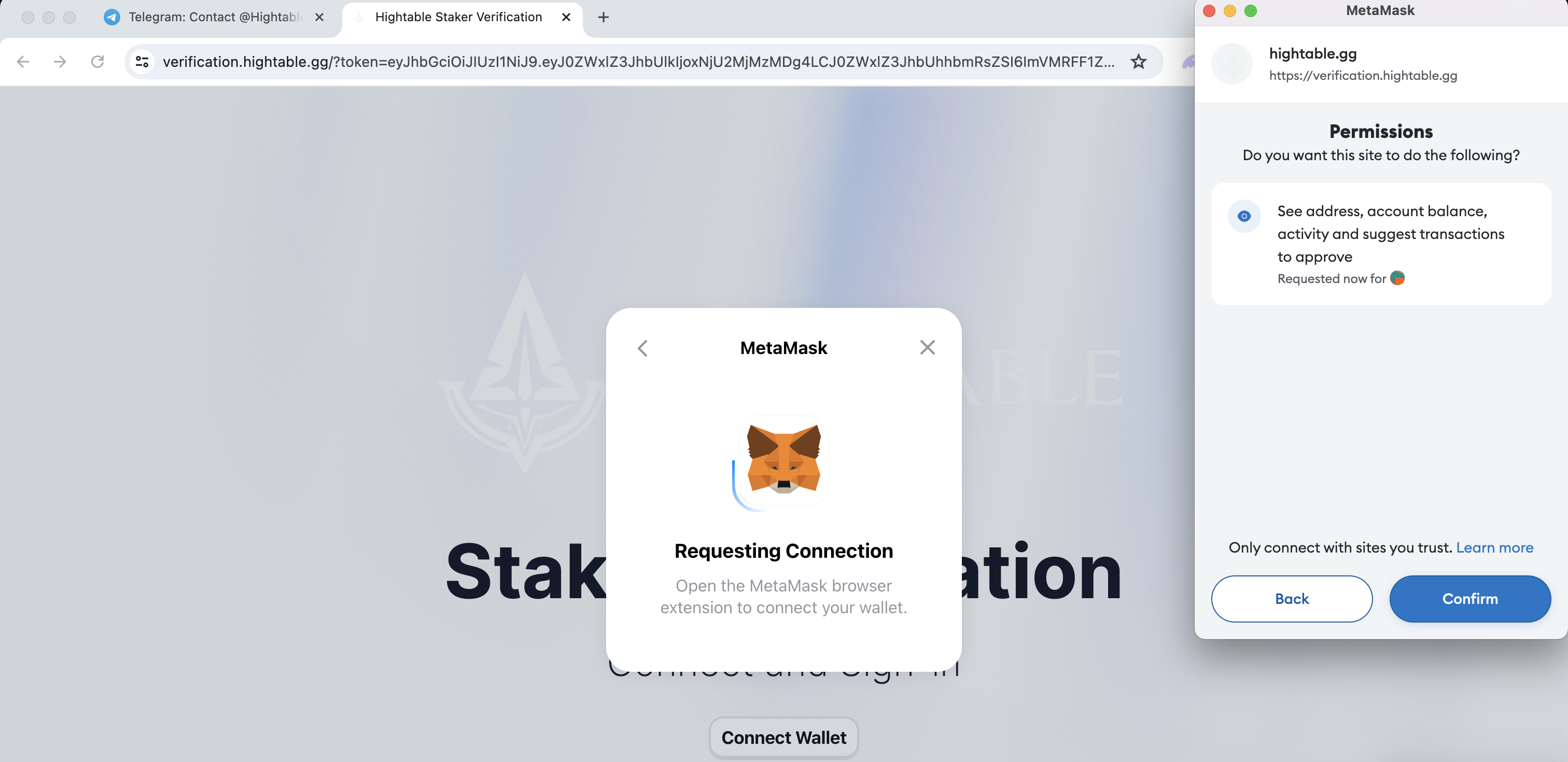
5. **Click the "Connect Your Wallet" button on the BOT and open the provided link.**
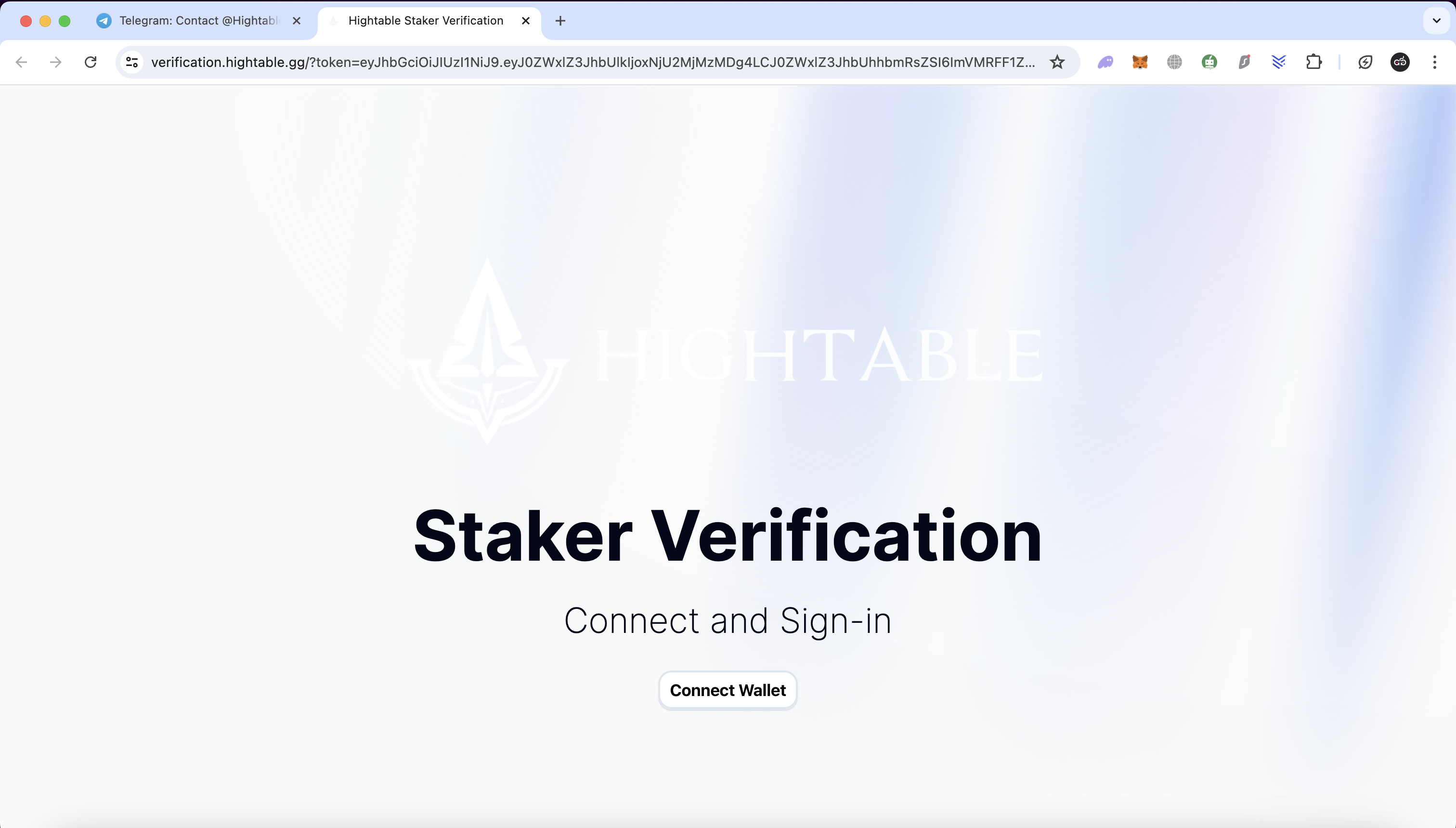
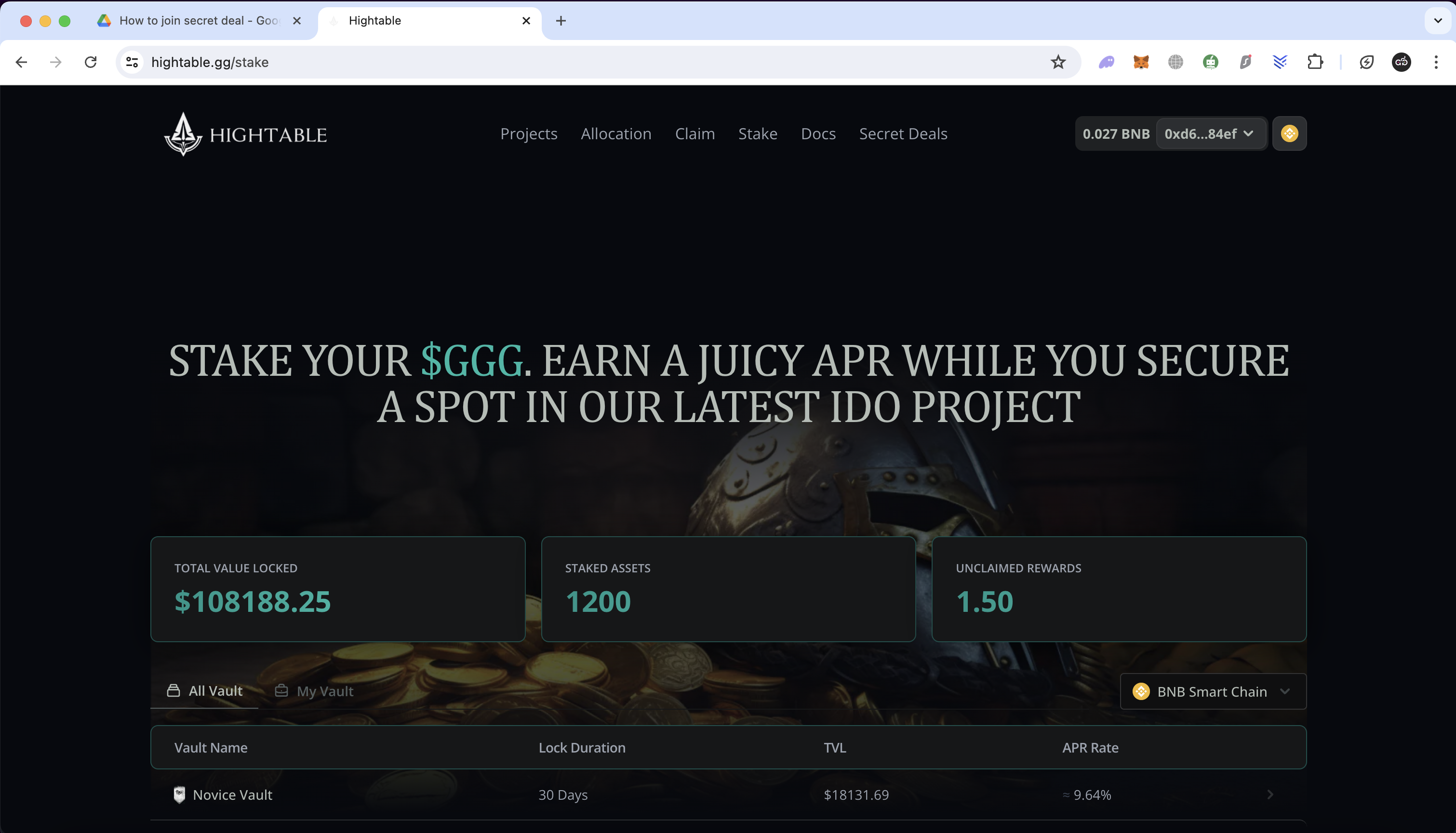
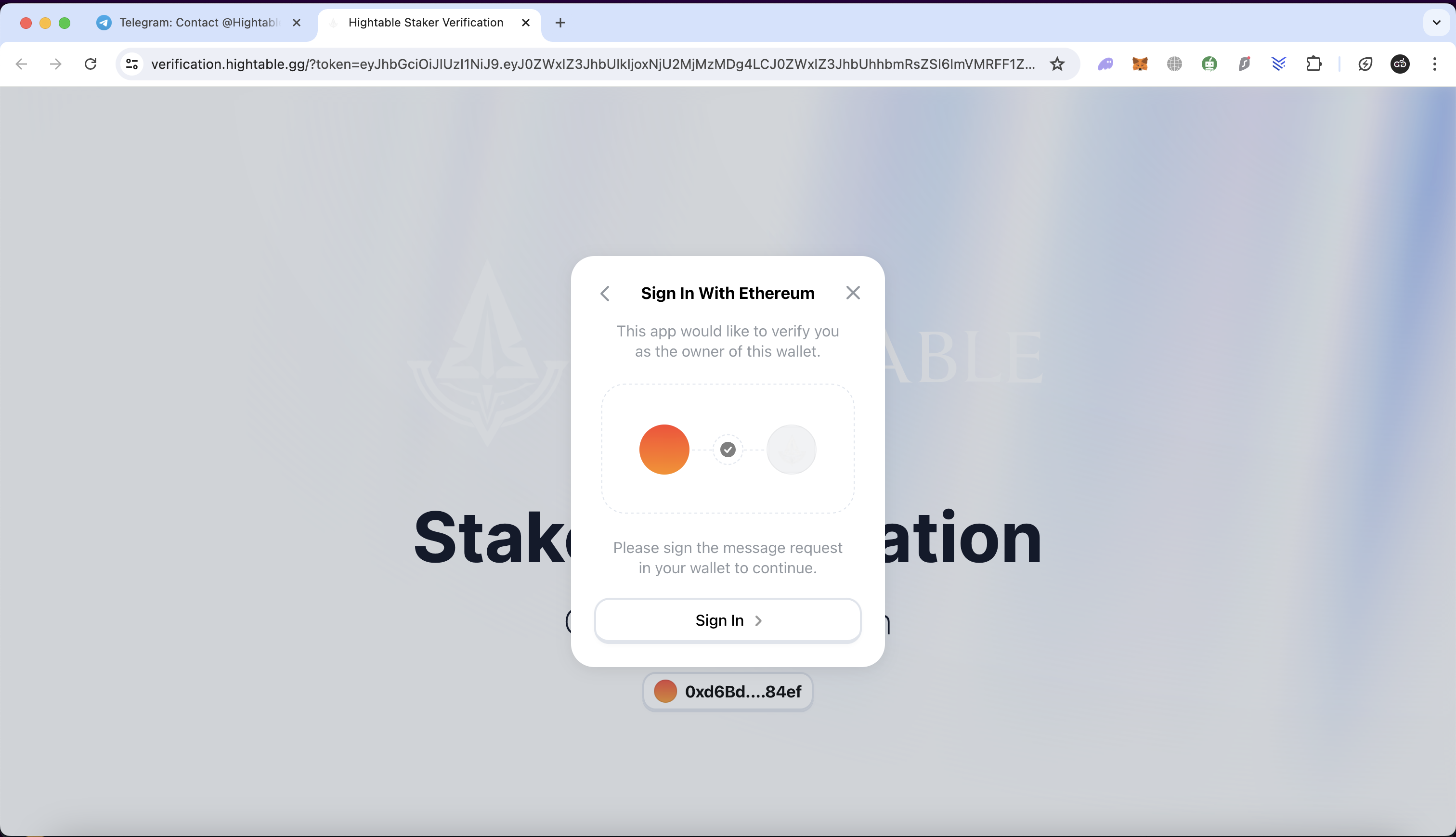
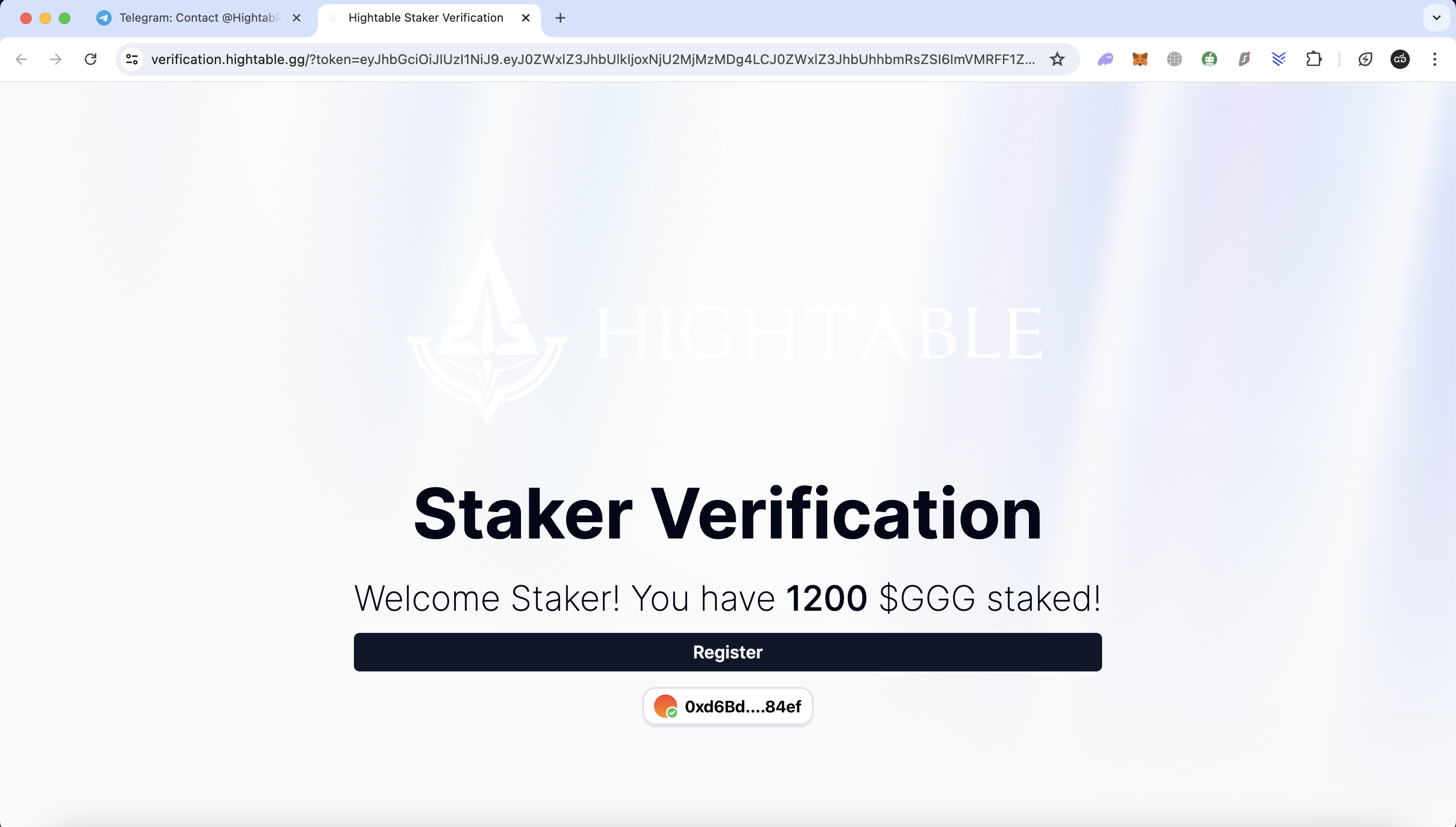
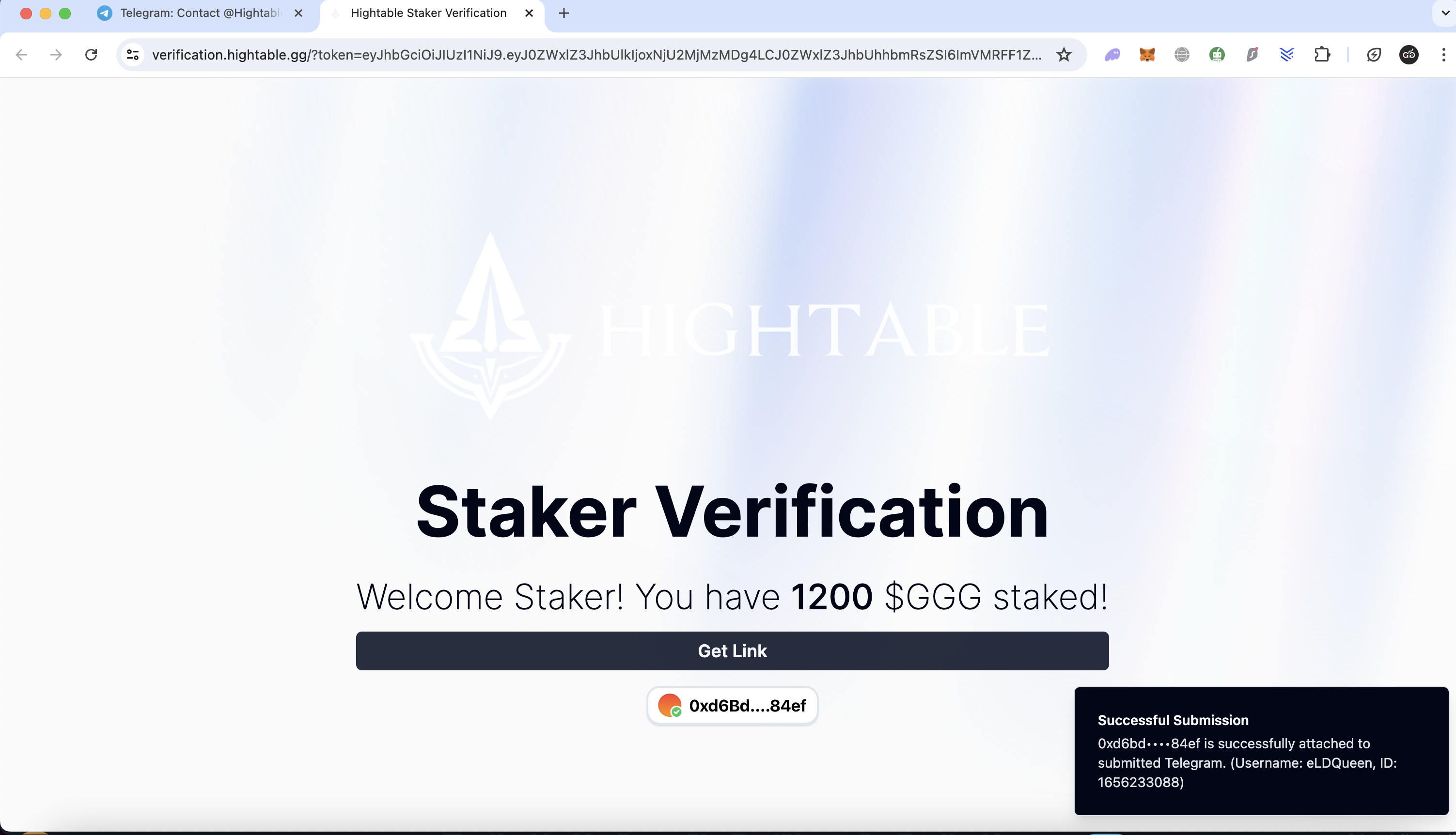
6. **Connect Metamask Wallet**: Connect your Metamask wallet and ensure you have at least **1000 $GGG staked on HighTable.**
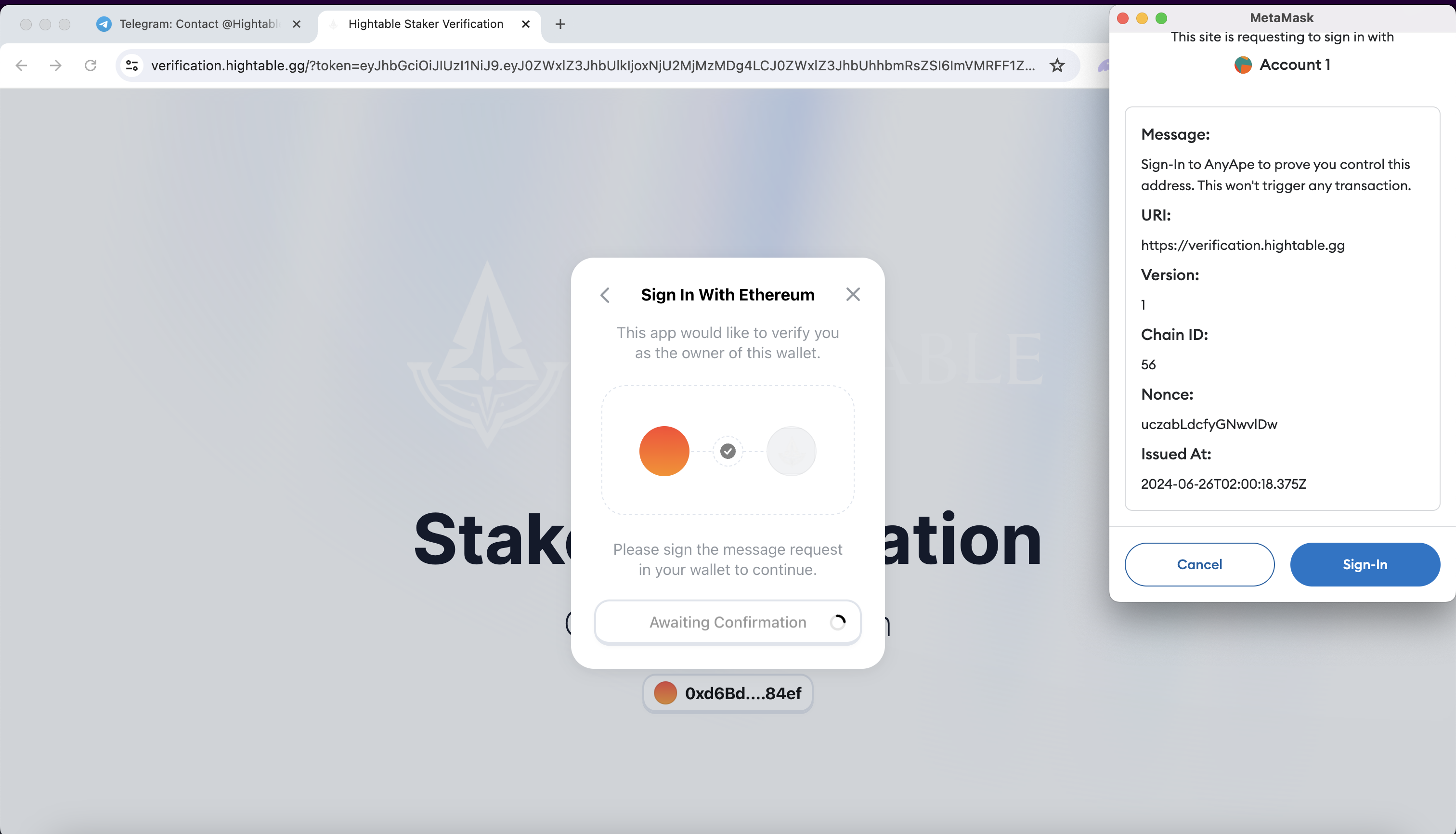
7. **Connect and sign in to your wallet. Wait for the confirmation process.**
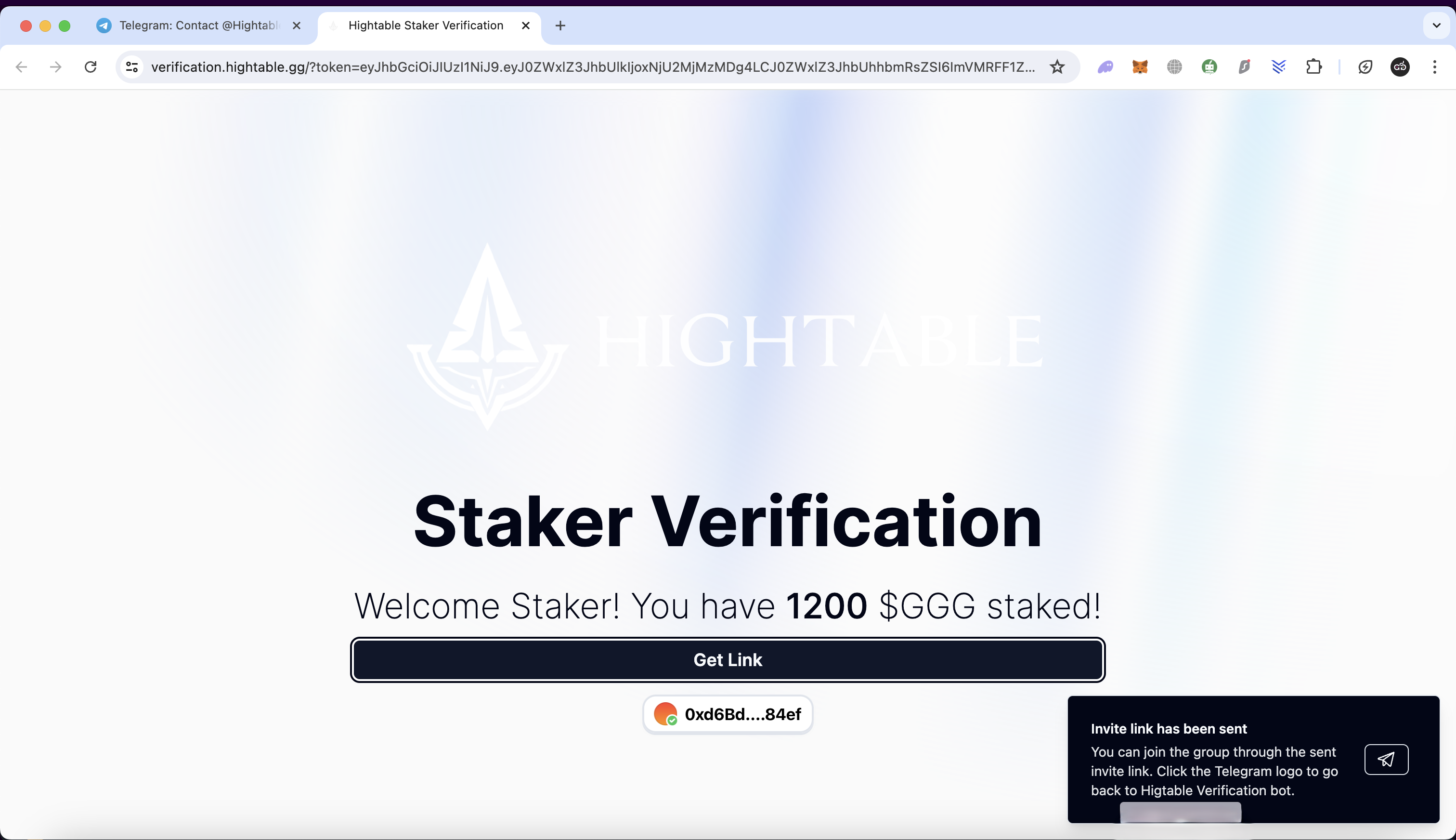
8. **Click the "Register and Get Link" button.**
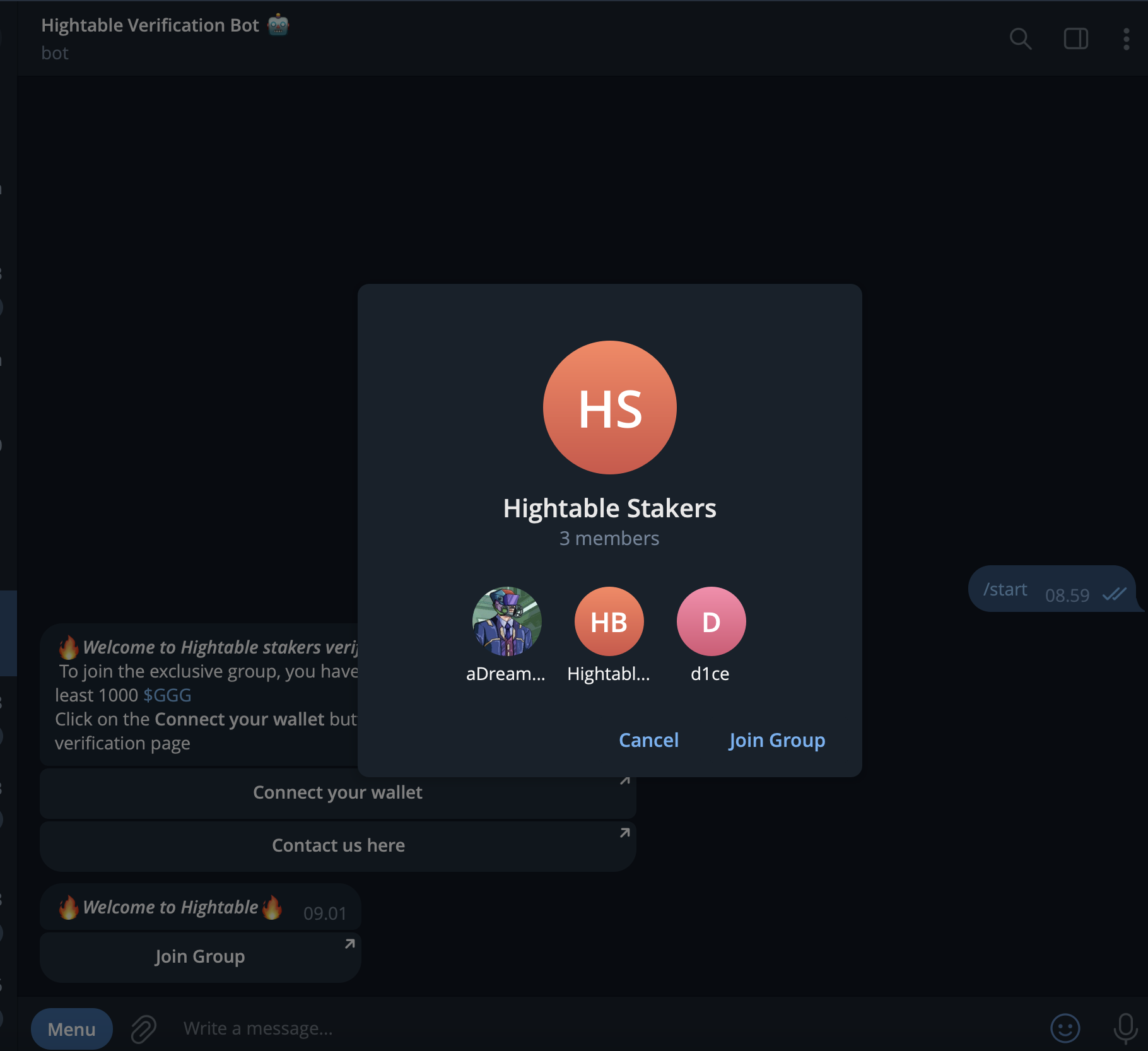
9. **Go back to your Telegram app and check the BOT. There will be a button to join the Secret Deals group.**
10. **Click the "Join Group" button and join the group.**
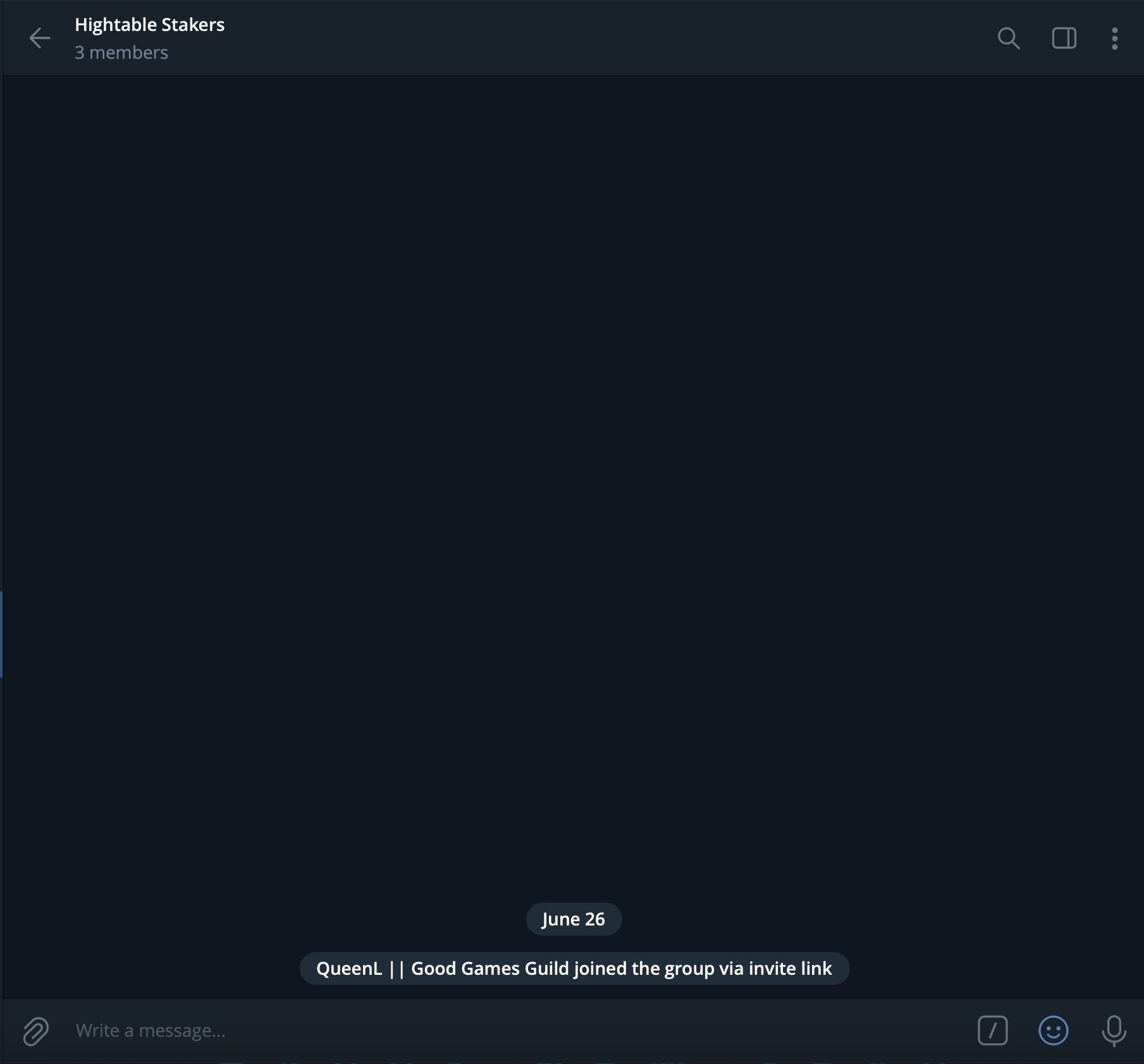
11. **Congrats! You are now a member of the HighTable Secret Deals group. You can join the exclusive deals and get all the details about the deal projects here.**
Get ready to dive into exclusive opportunities and connect with other $GGG holders in this unique program! 🌟
.png?alt=media&token=7ab3aefc-a07e-4bb6-9aed-875c17cdde47)